Unit 1 Practical 7
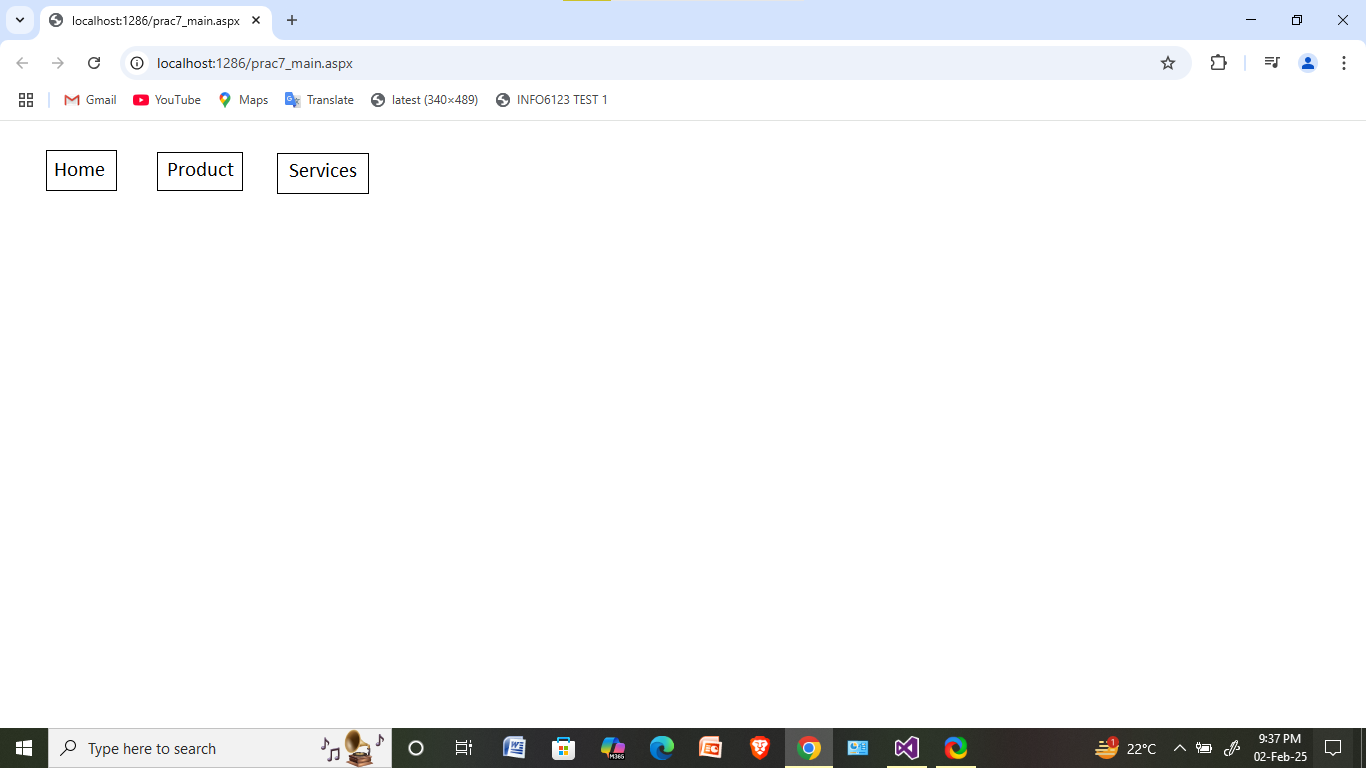
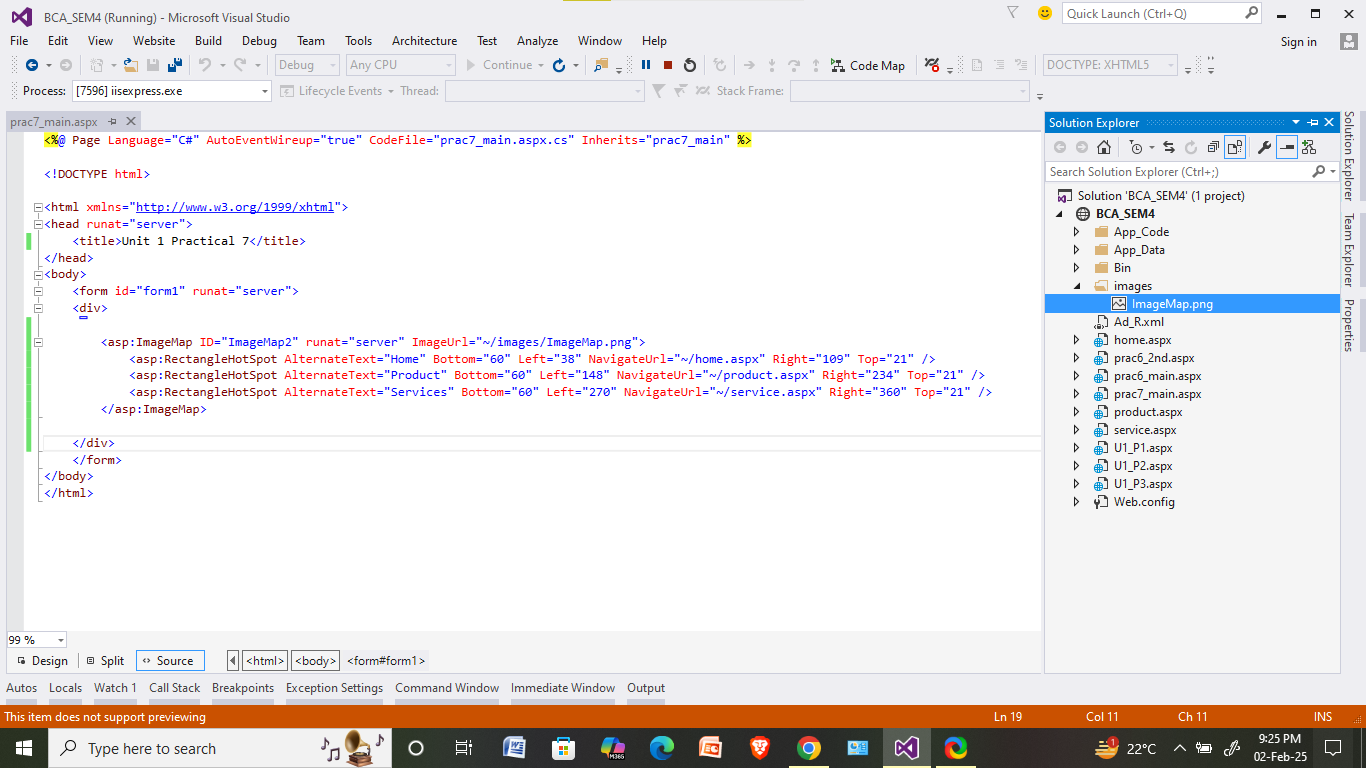
Take single image having rectangle shapes horizontally having text "Home", "Product" and "Services" written in the boxes. When user clicks on the first rectangle Home.aspx page should be opened. Similarly, when user clicks on the Product rectangle the product.aspx and Service rectangle then service.aspx should be opened. Use ImageMap control.
NOTE: You have to create image as shown in the practical by yourself from Paint and also you have to create three more webforms named "Home.aspx", "Product.aspx" and "Service.aspx" which contain only welcome message.
Prac7.aspx
OUTPUT:
When you click on the following image then it should redirected to its pages.